Review long security videos faster with Wajdi AI.
Wajdi CCTV AI analyzes recorded camera videos locally, detects important events, and generates clear HTML/PDF reports with event images for people, vehicles, animals and birds.
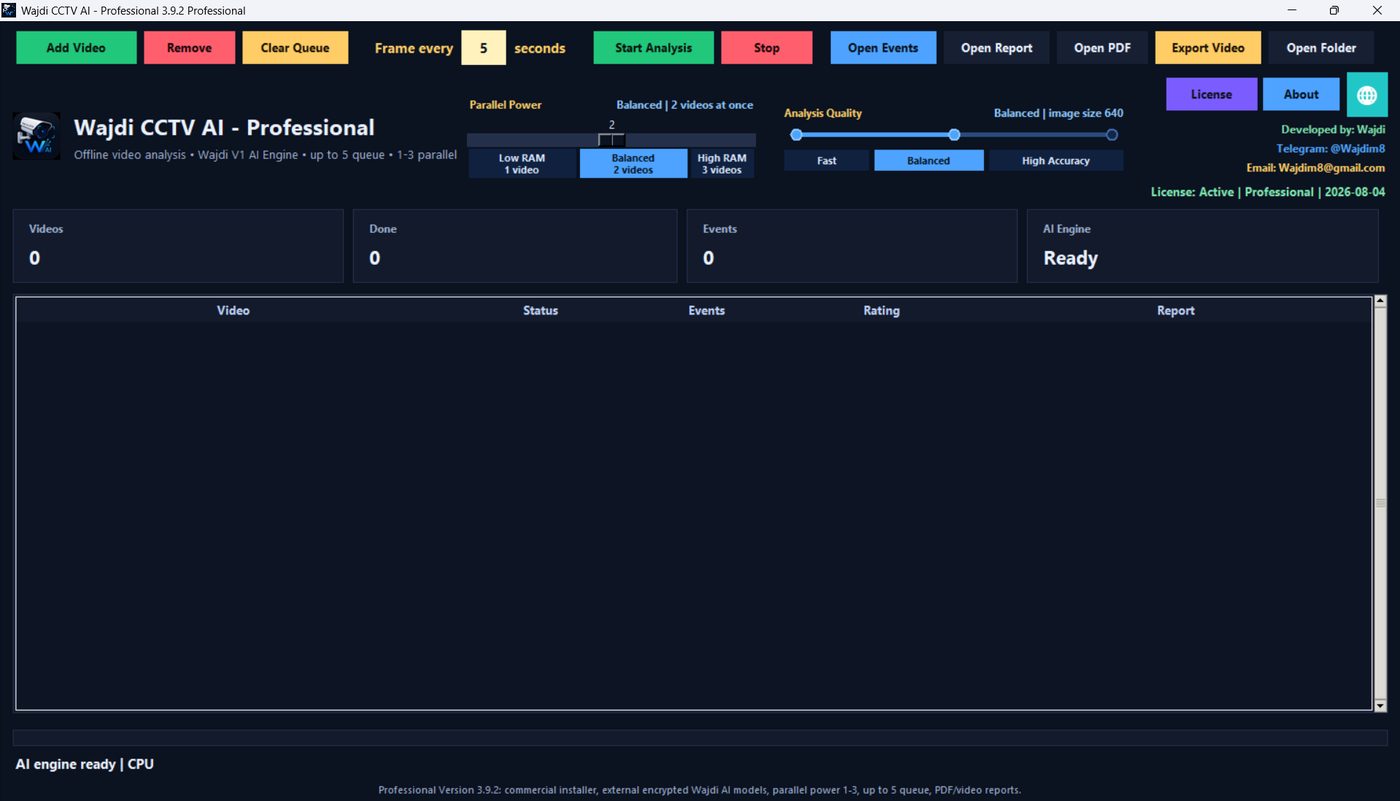
Built for practical CCTV investigations
Instead of watching hours of footage manually, select videos, choose analysis quality, and let the program extract the most important events into searchable reports.
Person events
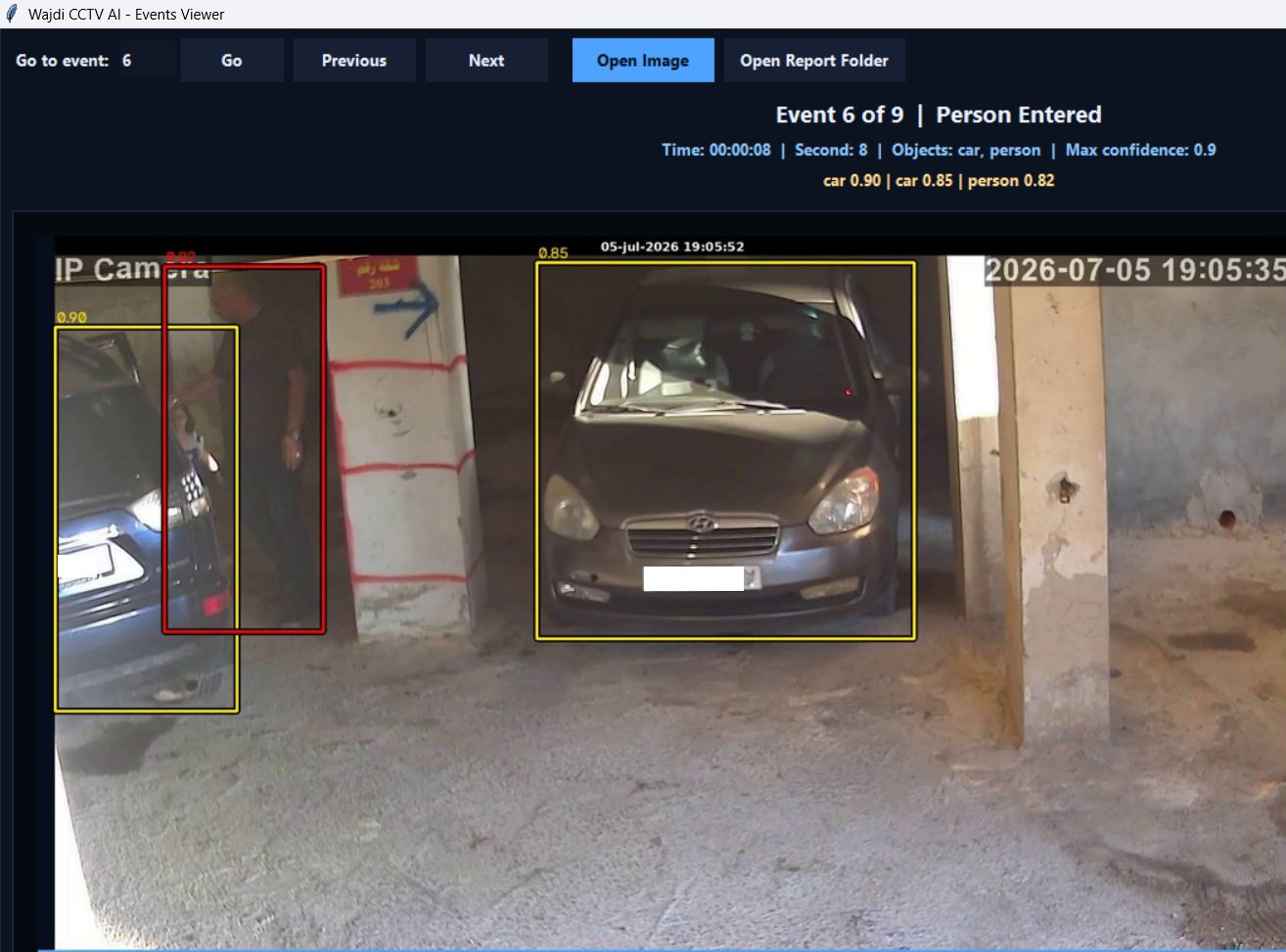
Detects person activity such as person entered, person left, and presence in recorded footage.
Vehicle events
Detects cars, trucks, buses, motorcycles and bicycle-like movement as vehicle-related events.
Animals and birds
Useful for farms, yards, entrances, warehouses and outdoor security cameras.
HTML + PDF reports
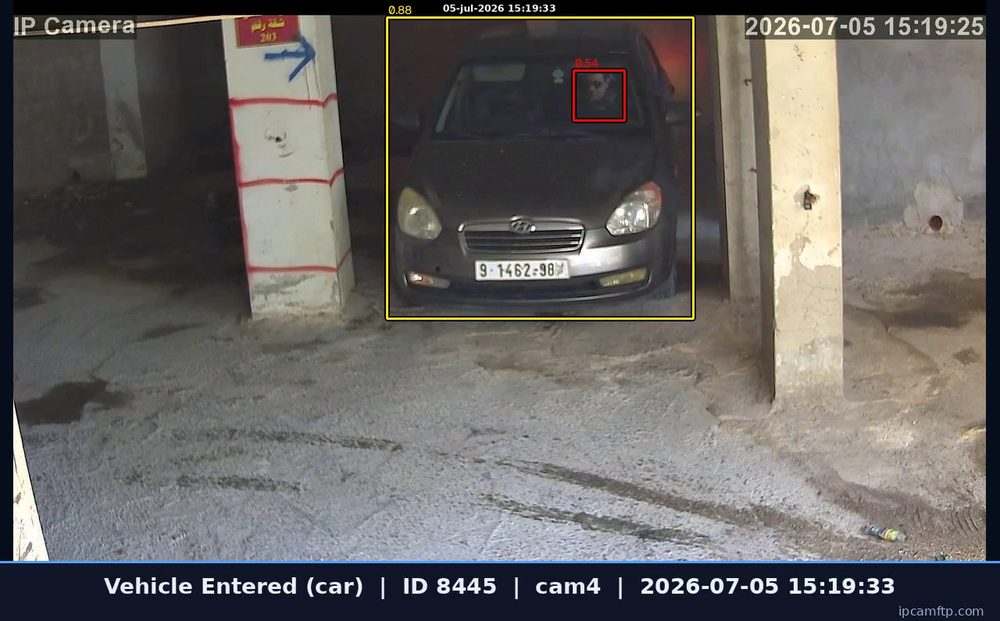
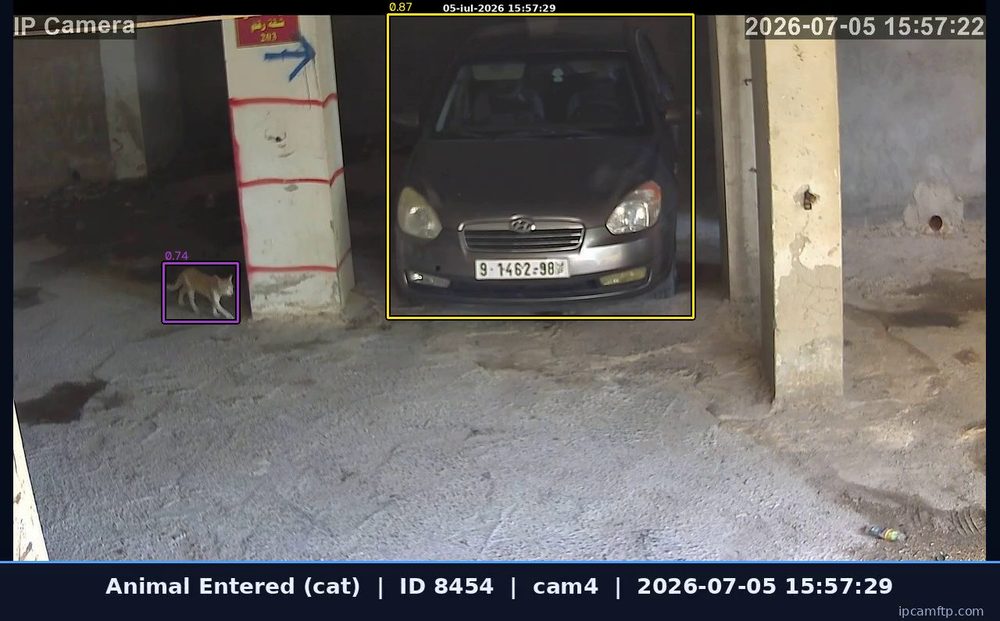
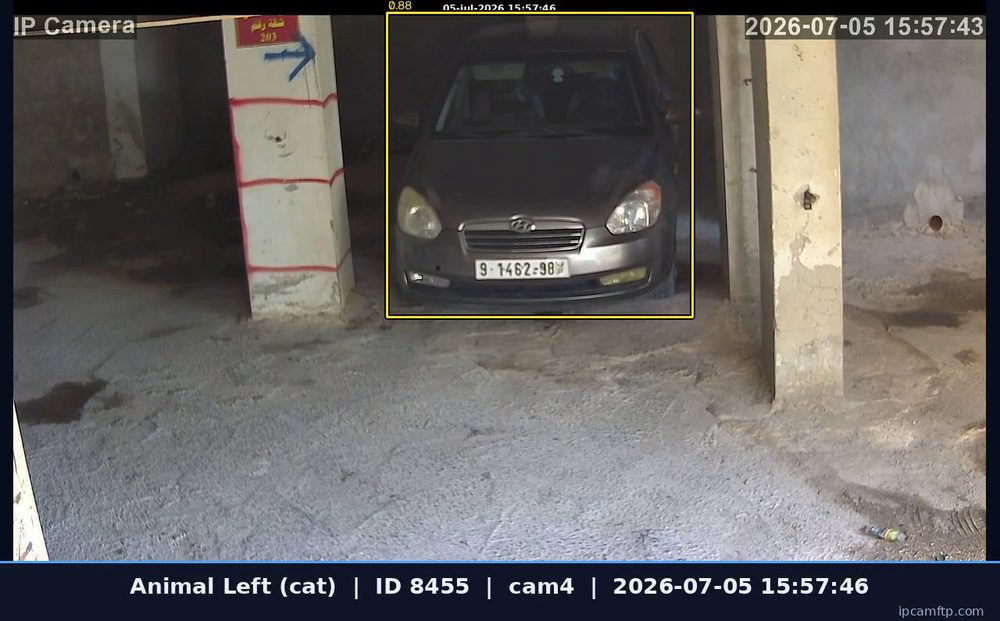
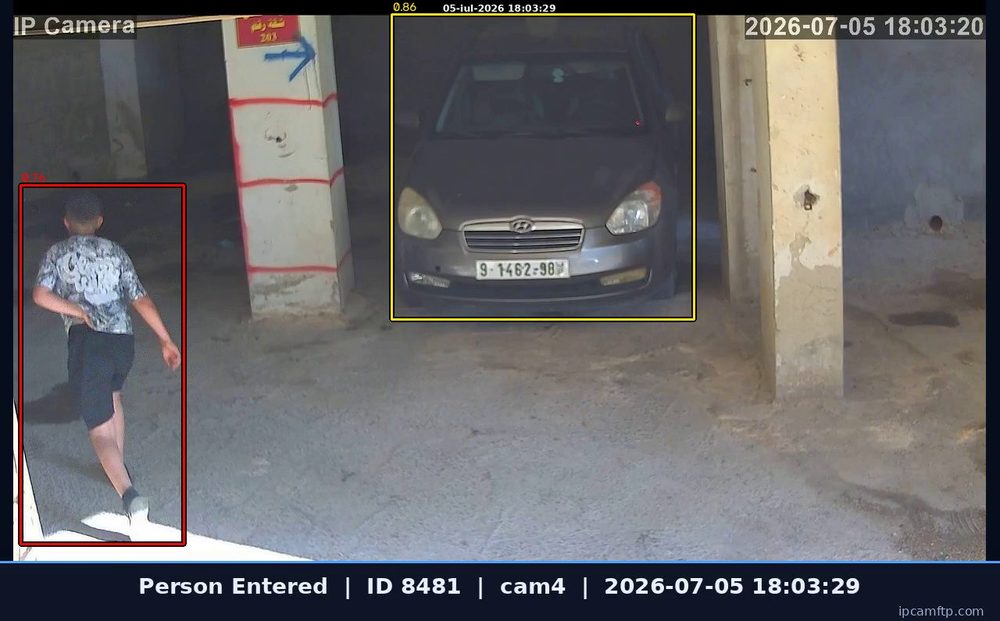
Each analysis produces reports with time, event type, confidence and captured evidence images.
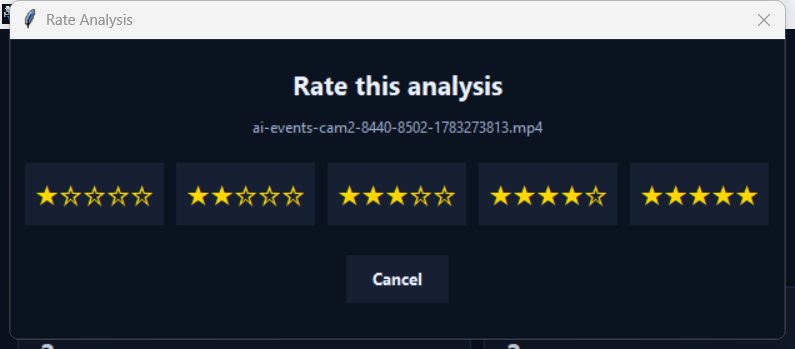
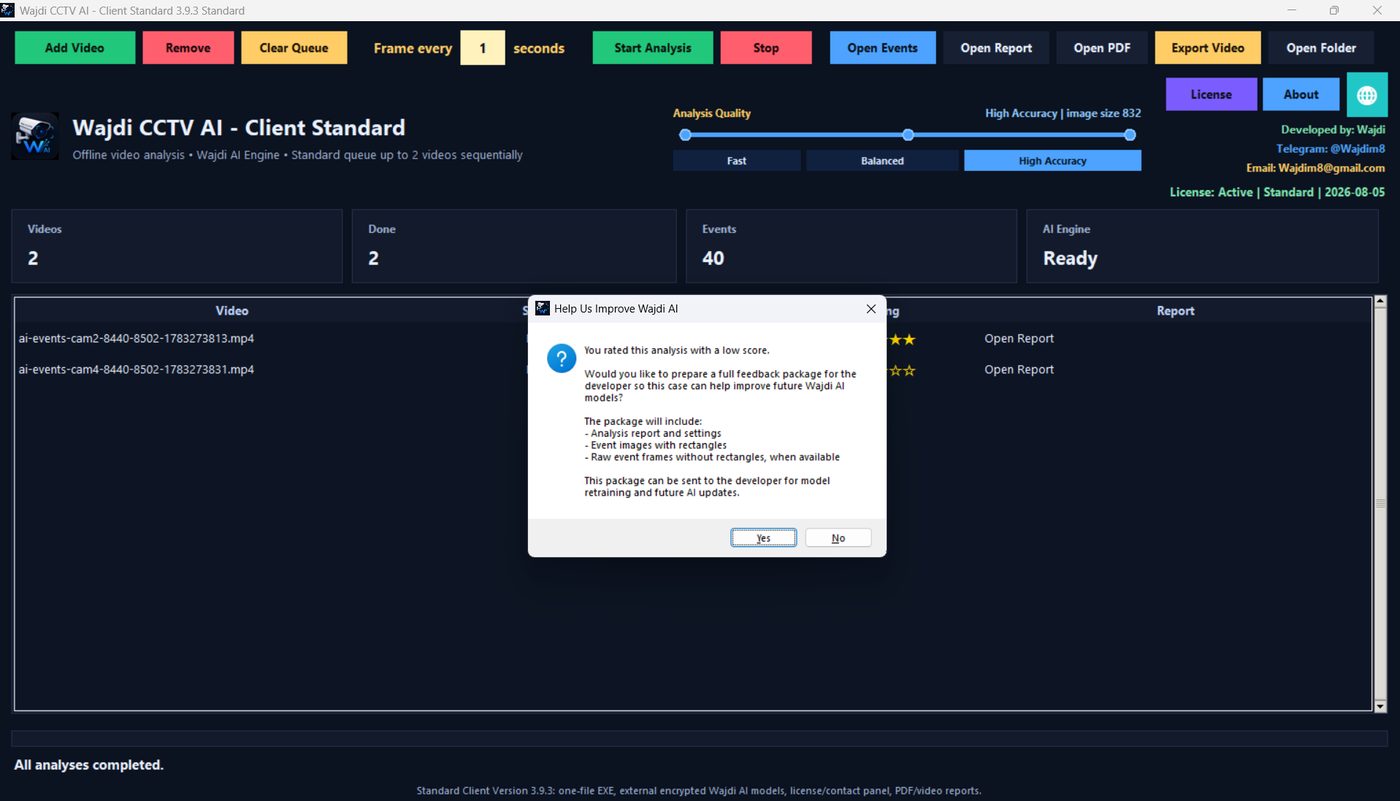
Video rating feedback
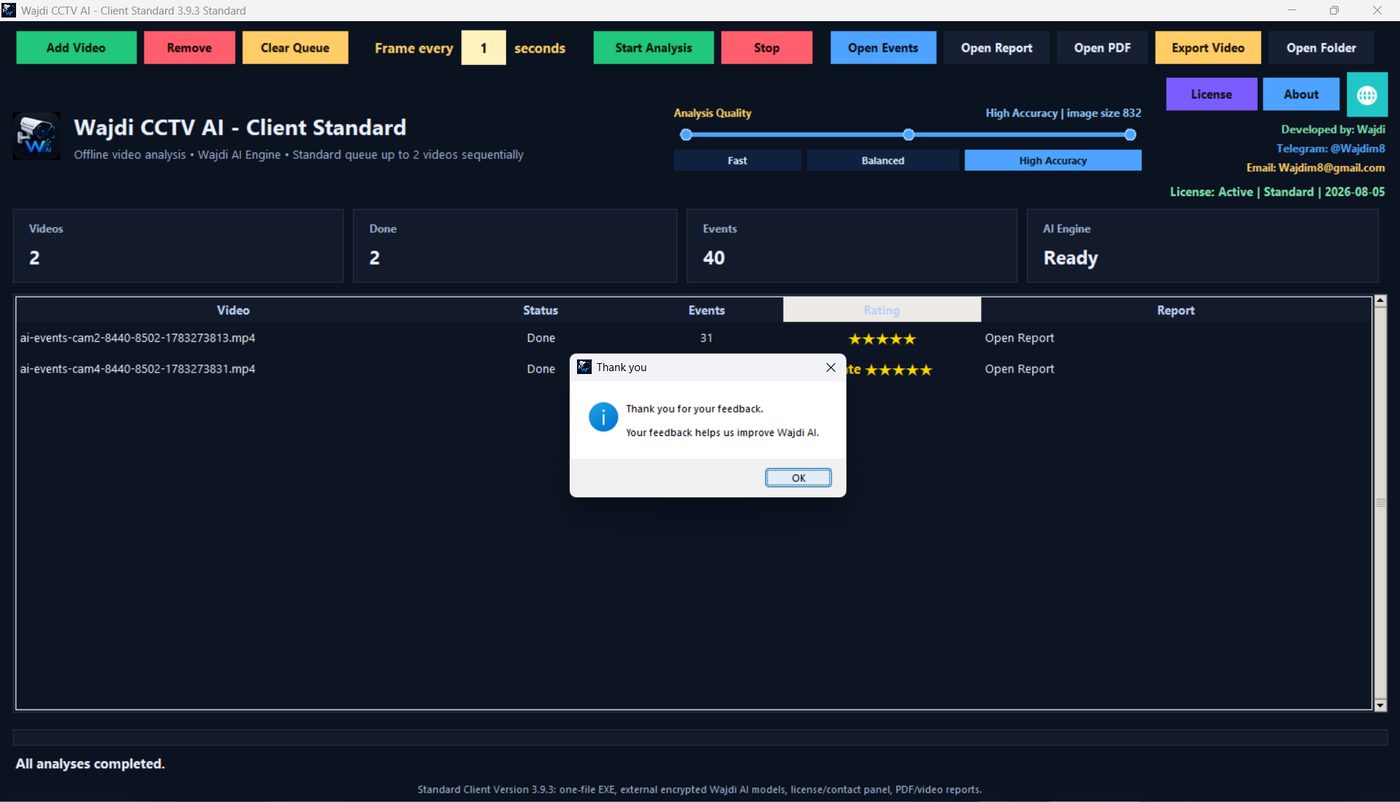
If a result is not good enough, the customer can send the feedback package so the model can be improved later.
Commercial licensing
The evaluation copy runs only after activation. Each license is generated for the customer device.
Standard vs Professional
Both editions use the same Wajdi AI model and receive continuous AI model improvements. The main difference is queue capacity and parallel processing.
| Feature | Standard | Professional |
|---|---|---|
| Offline AI video analysis | ✓ | ✓ |
| Person / vehicle / animal / bird detection | ✓ | ✓ |
| HTML + PDF event reports | ✓ | ✓ |
| Analysis quality levels | Fast / Balanced / High Accuracy | Fast / Balanced / High Accuracy |
| Maximum videos in queue | 2 videos | 5 videos |
| Videos analyzed at the same time | 1 video | Up to 3 videos |
| AI model updates | Included during license period | Included during license period |
| License | One PC | One PC |
Launch pricing
Affordable early pricing for the first customers. Licenses are activated per computer.
Standard
Best for shops, homes, small offices and small camera review tasks.
- Queue up to 2 videos
- Analyze 1 video at a time
- Reports and feedback package
Professional
Best for security companies, hotels, warehouses, factories and heavier review work.
- Queue up to 5 videos
- Analyze up to 3 videos in parallel
- Same reports + model improvements
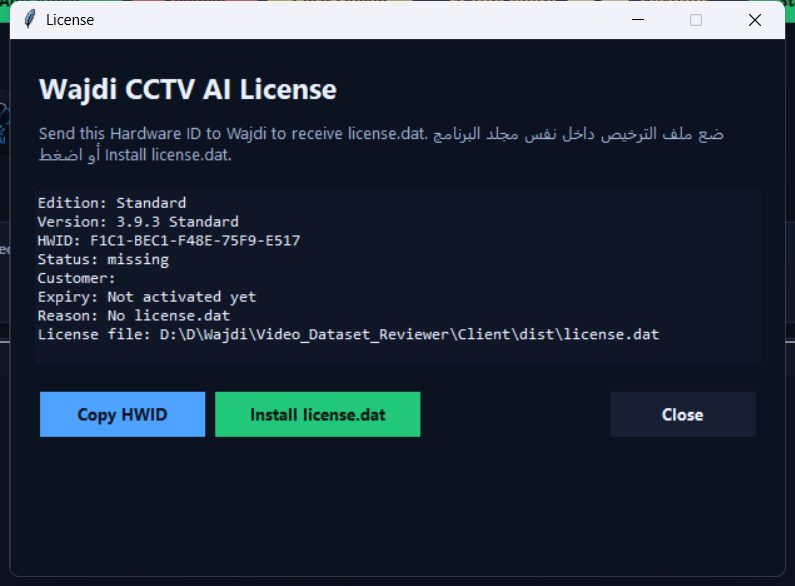
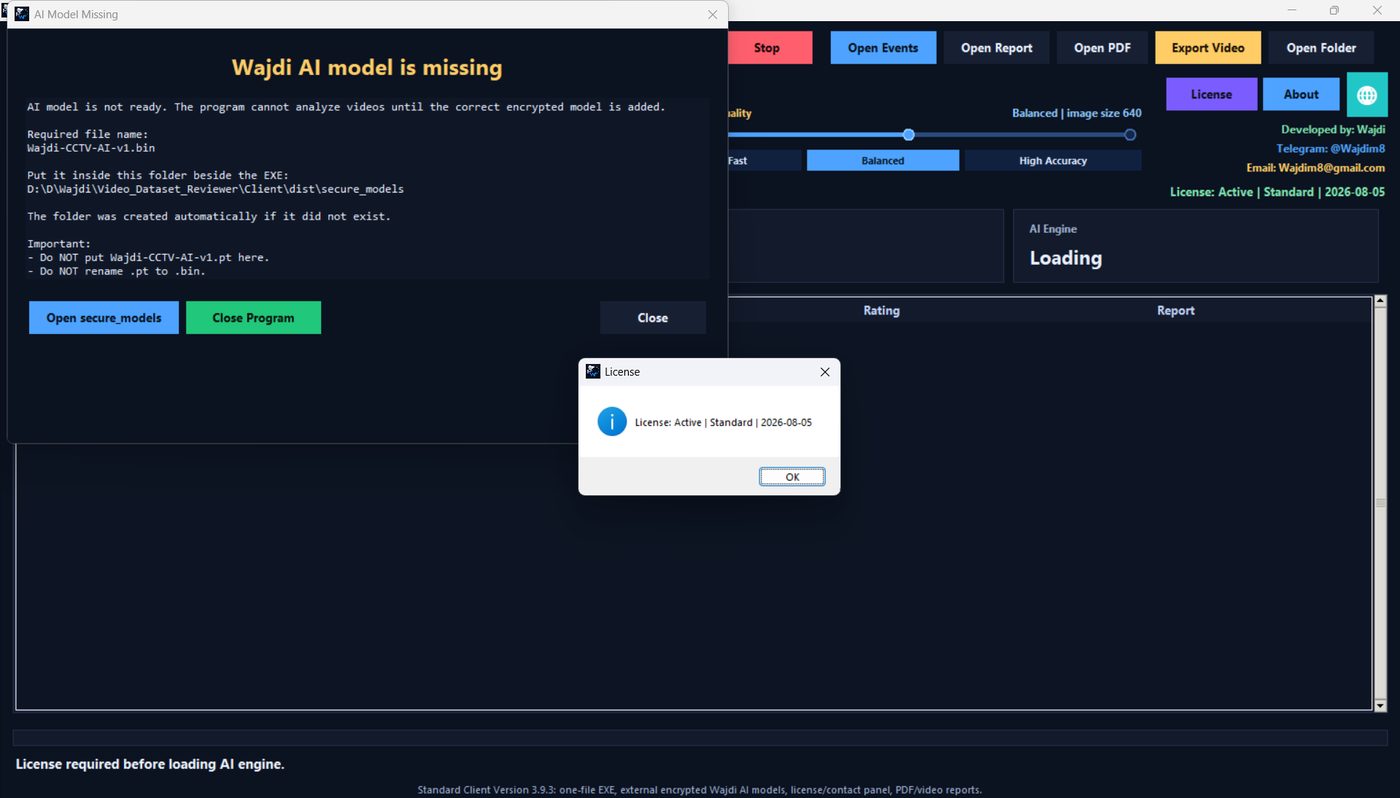
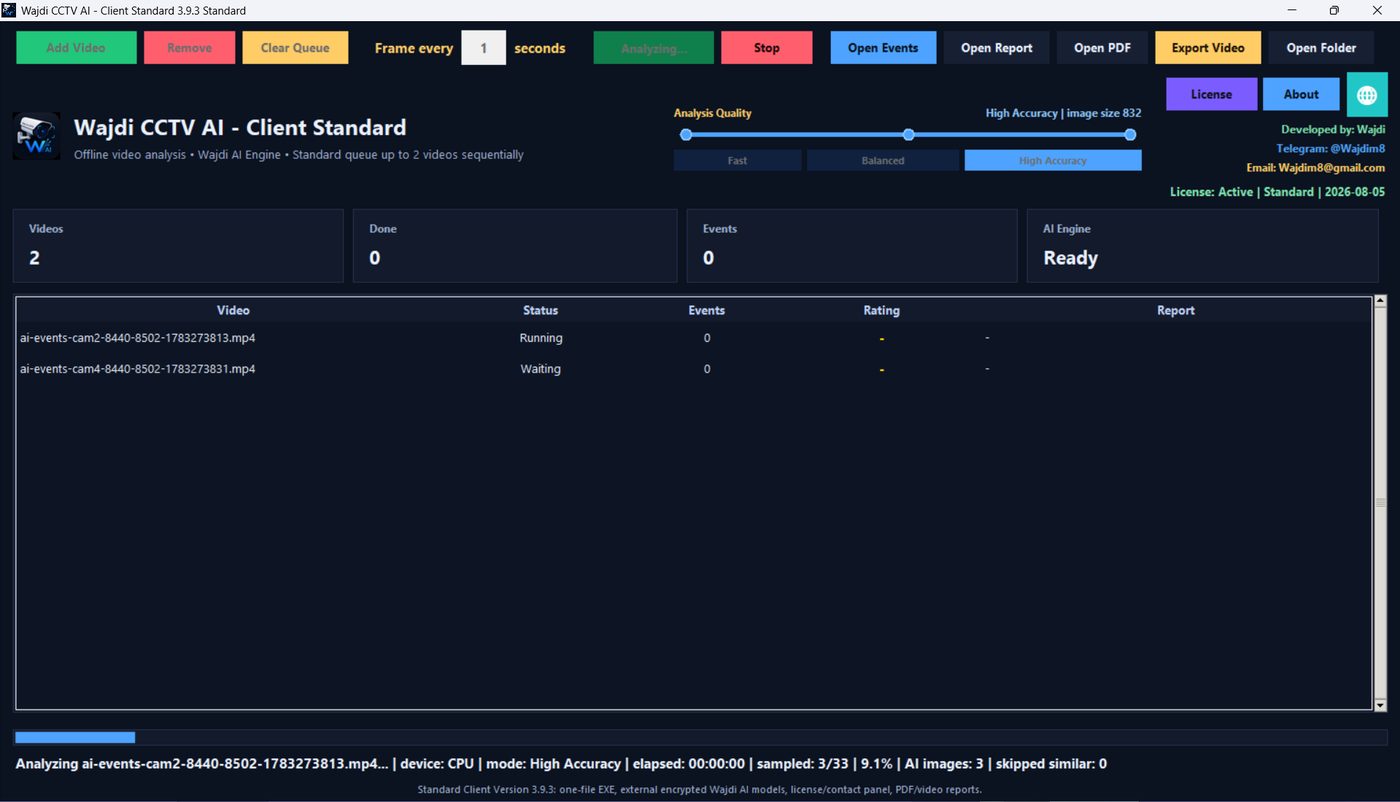
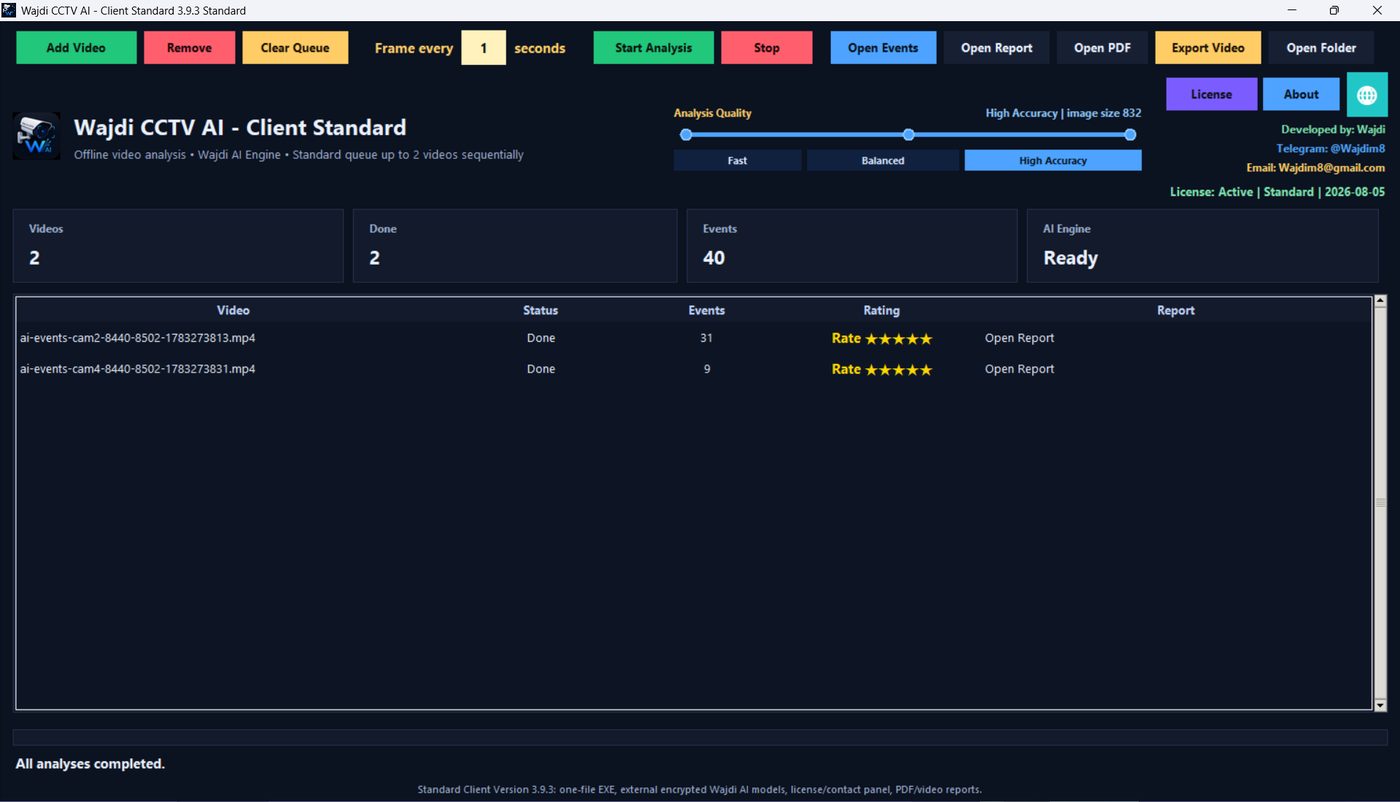
Screenshots
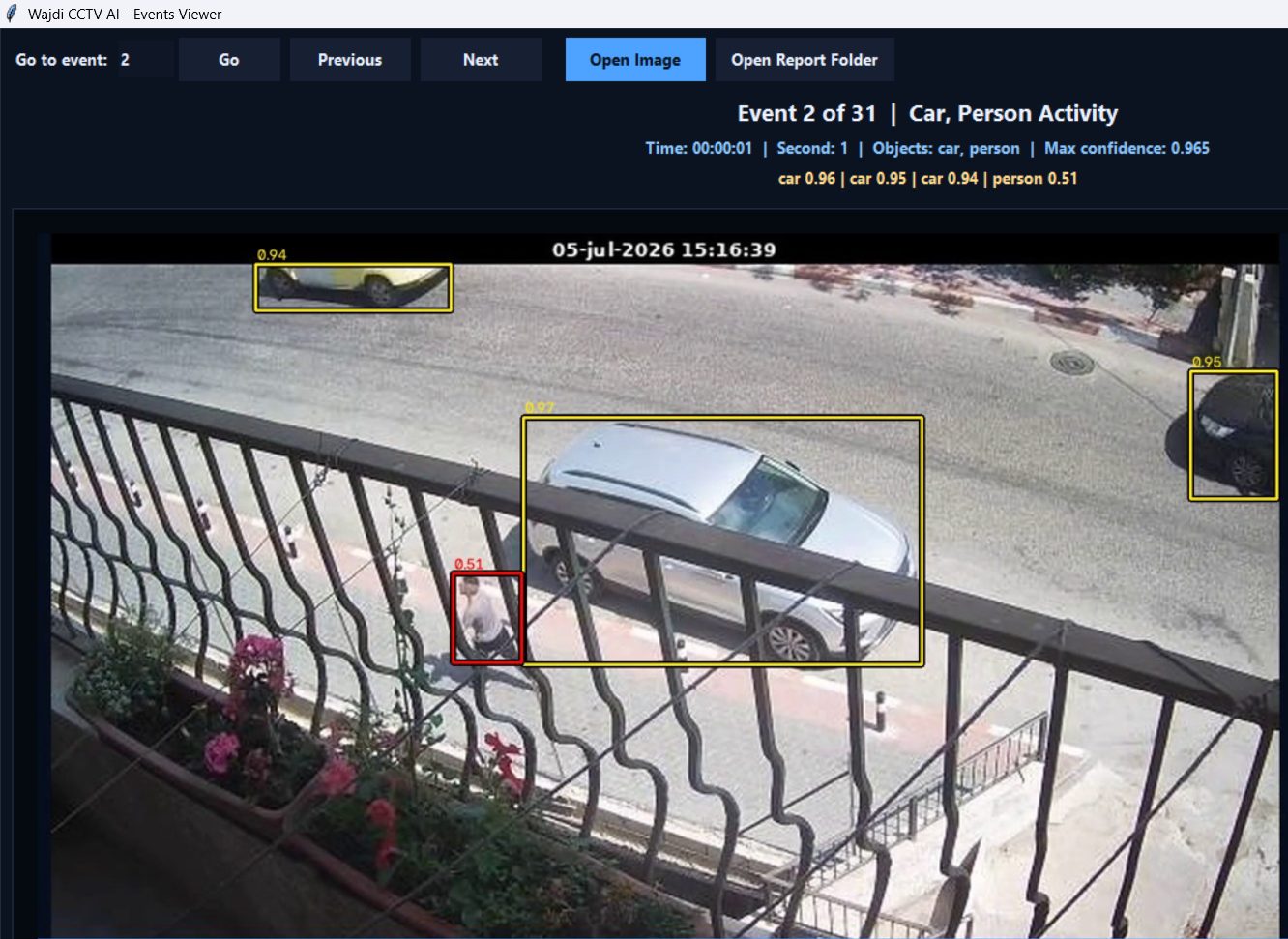
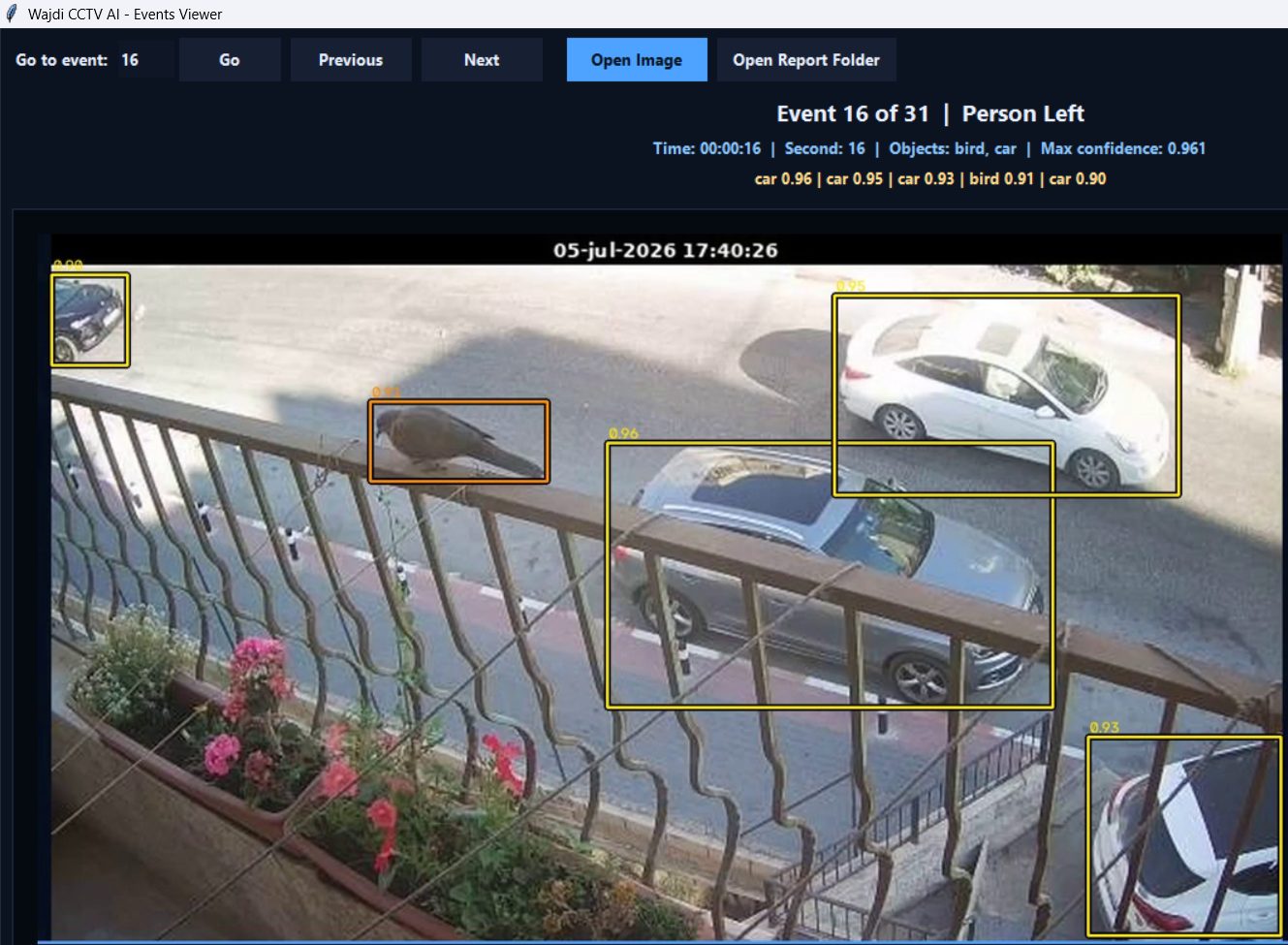
Interface, reports, event detection examples and customer feedback workflow.
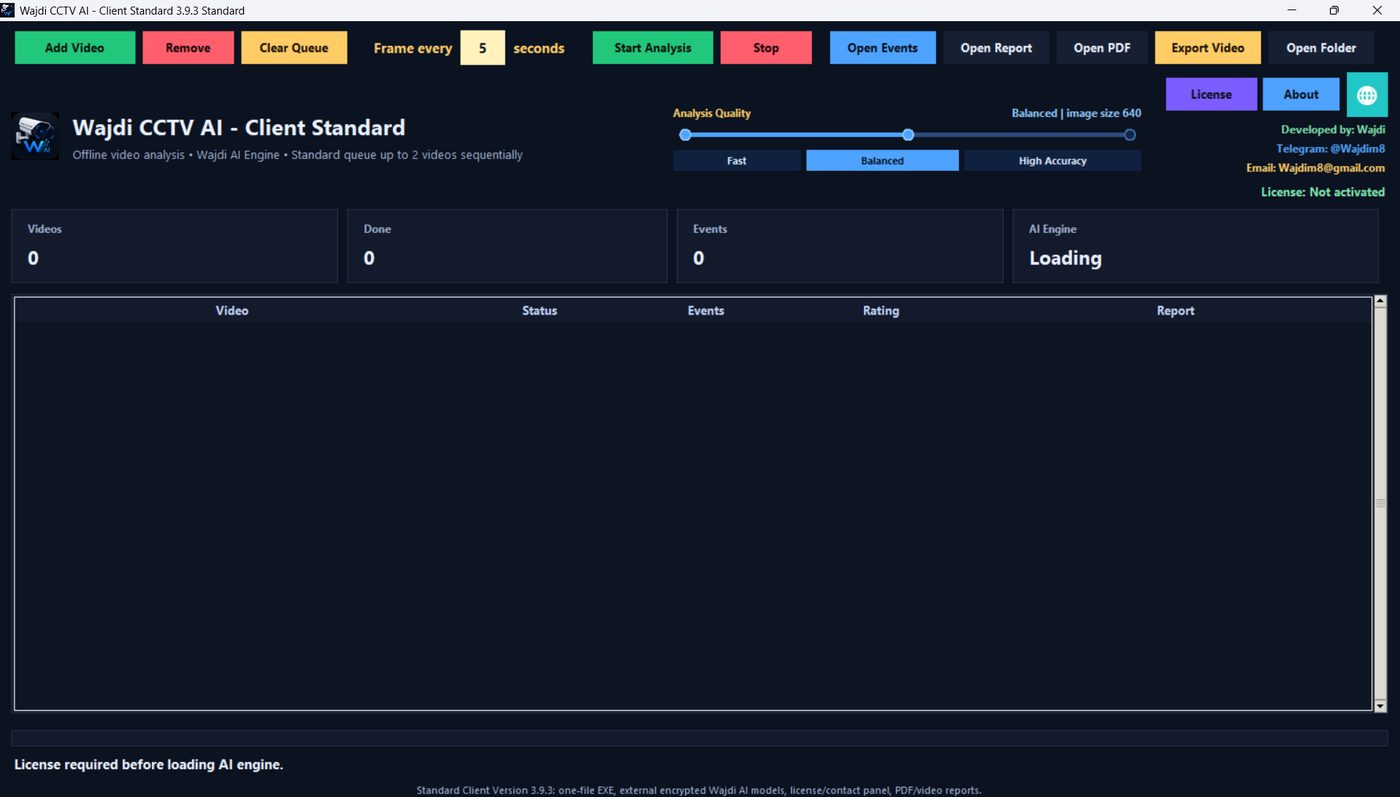
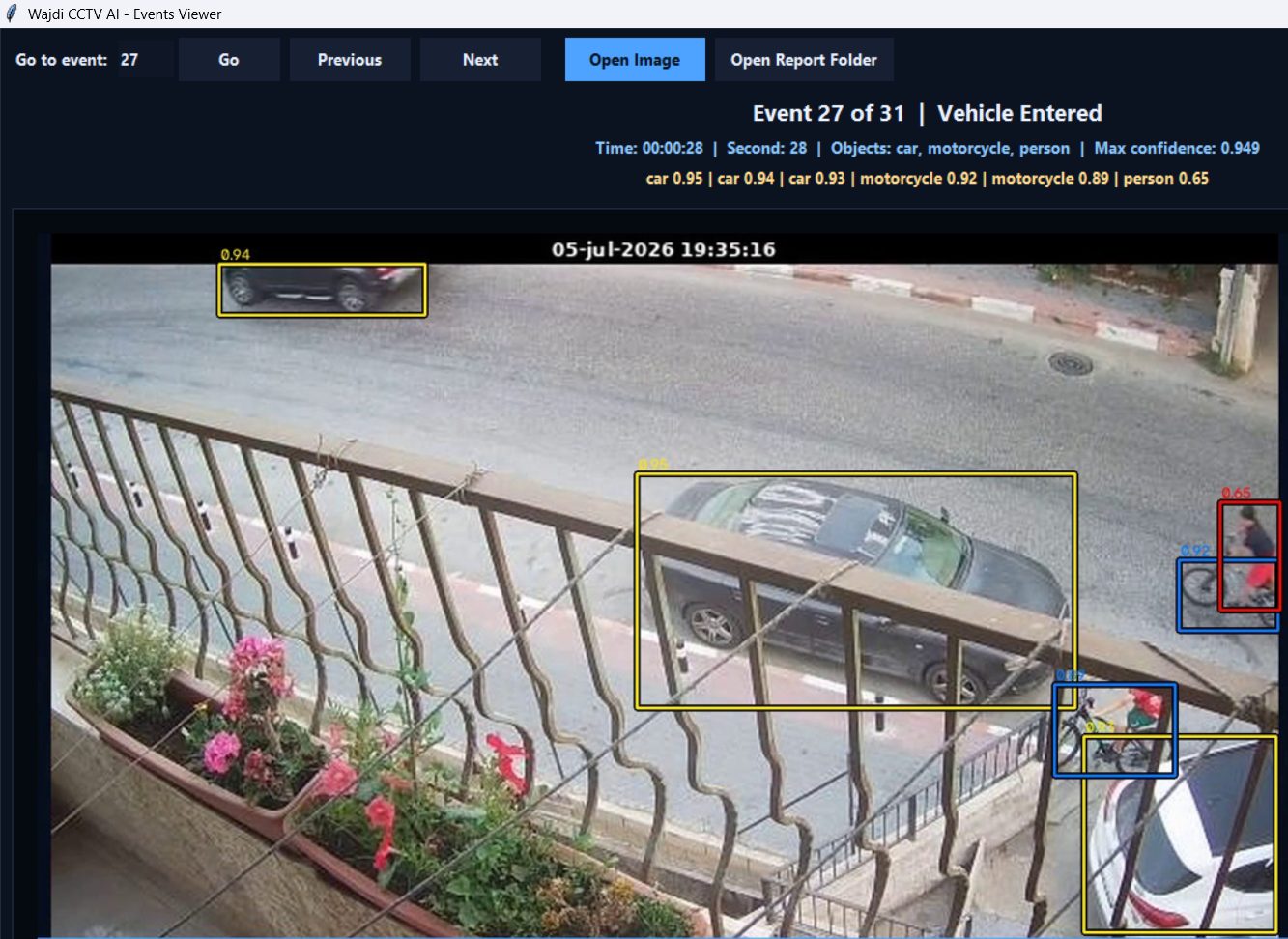
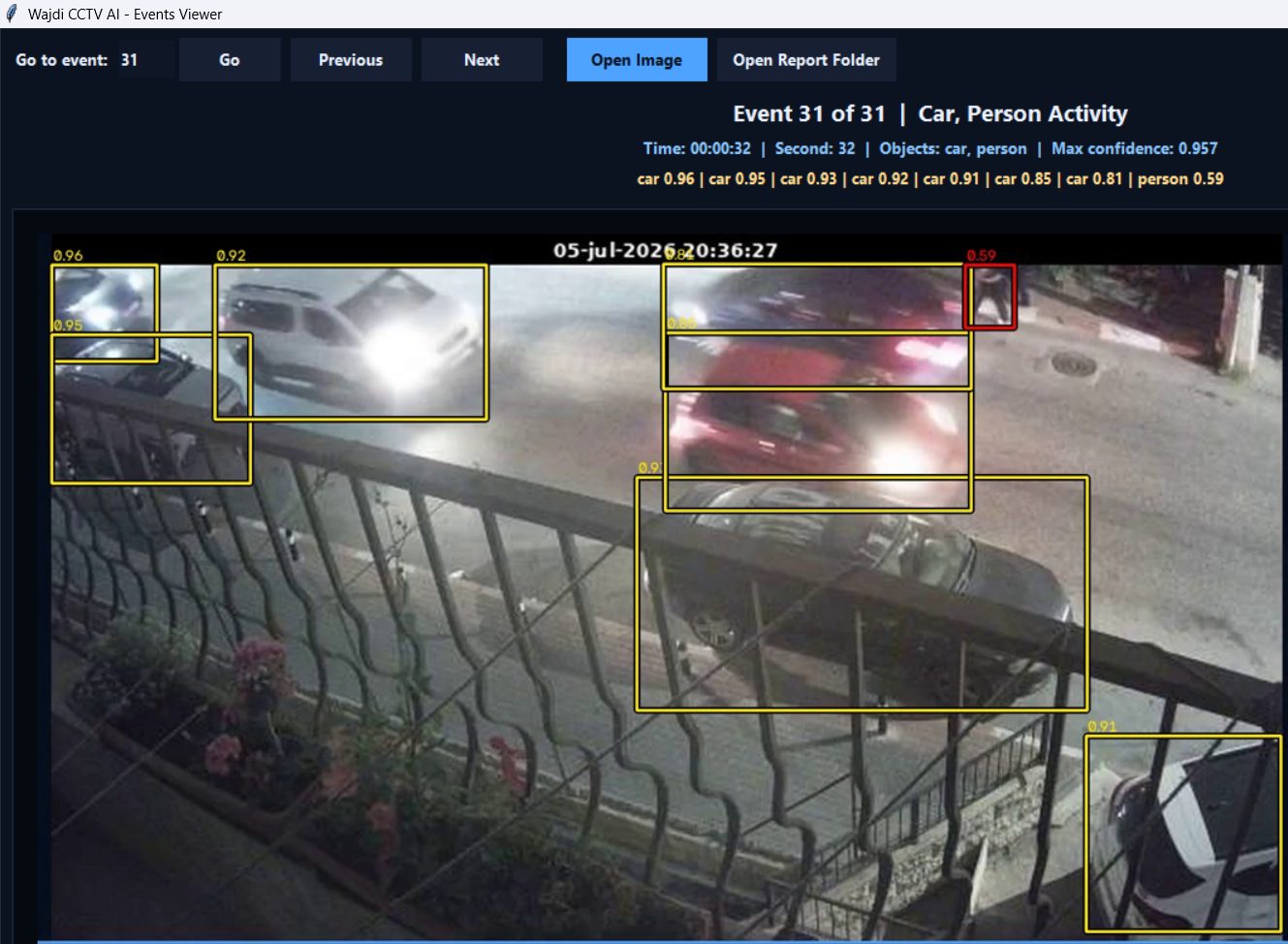
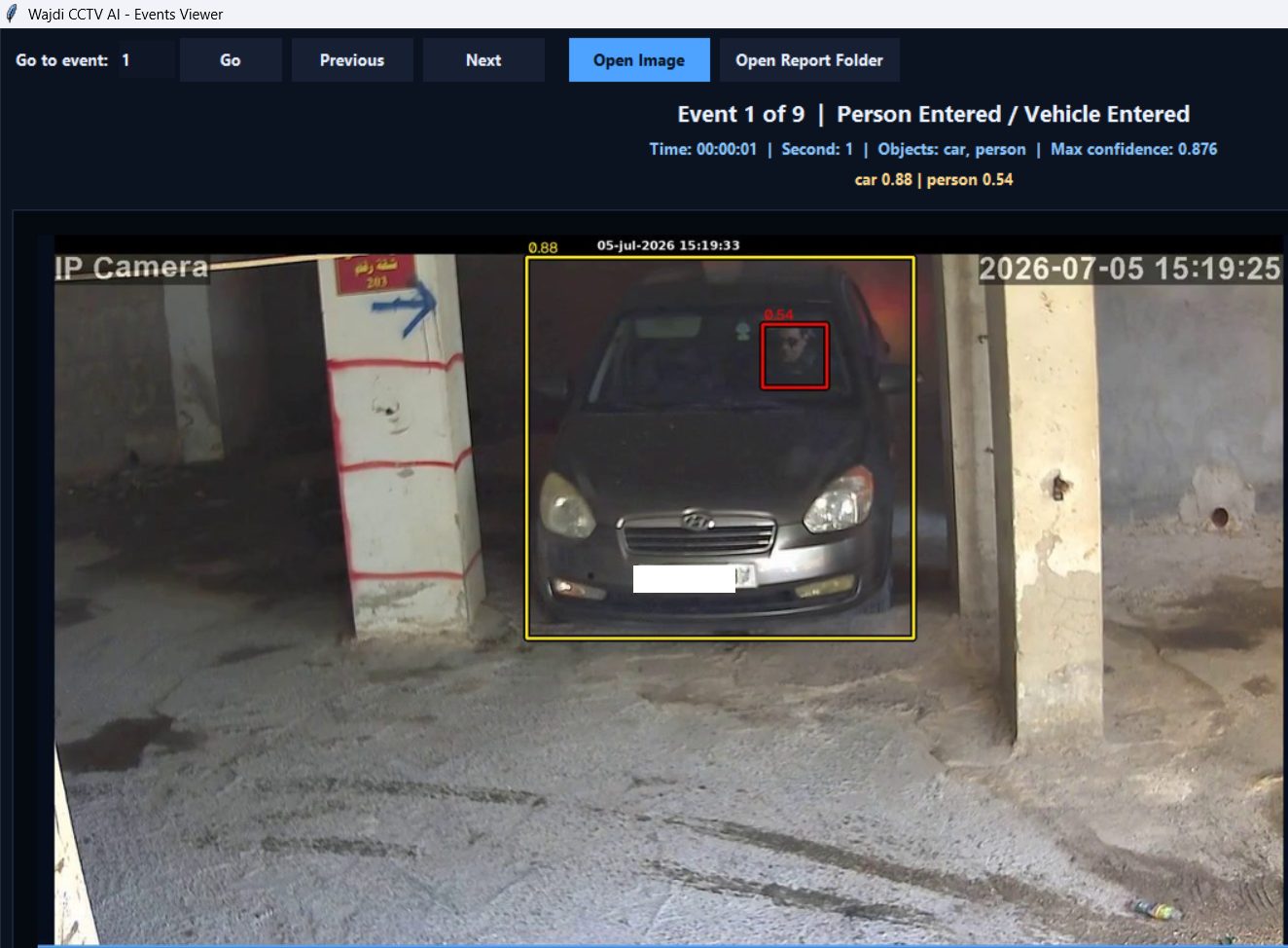
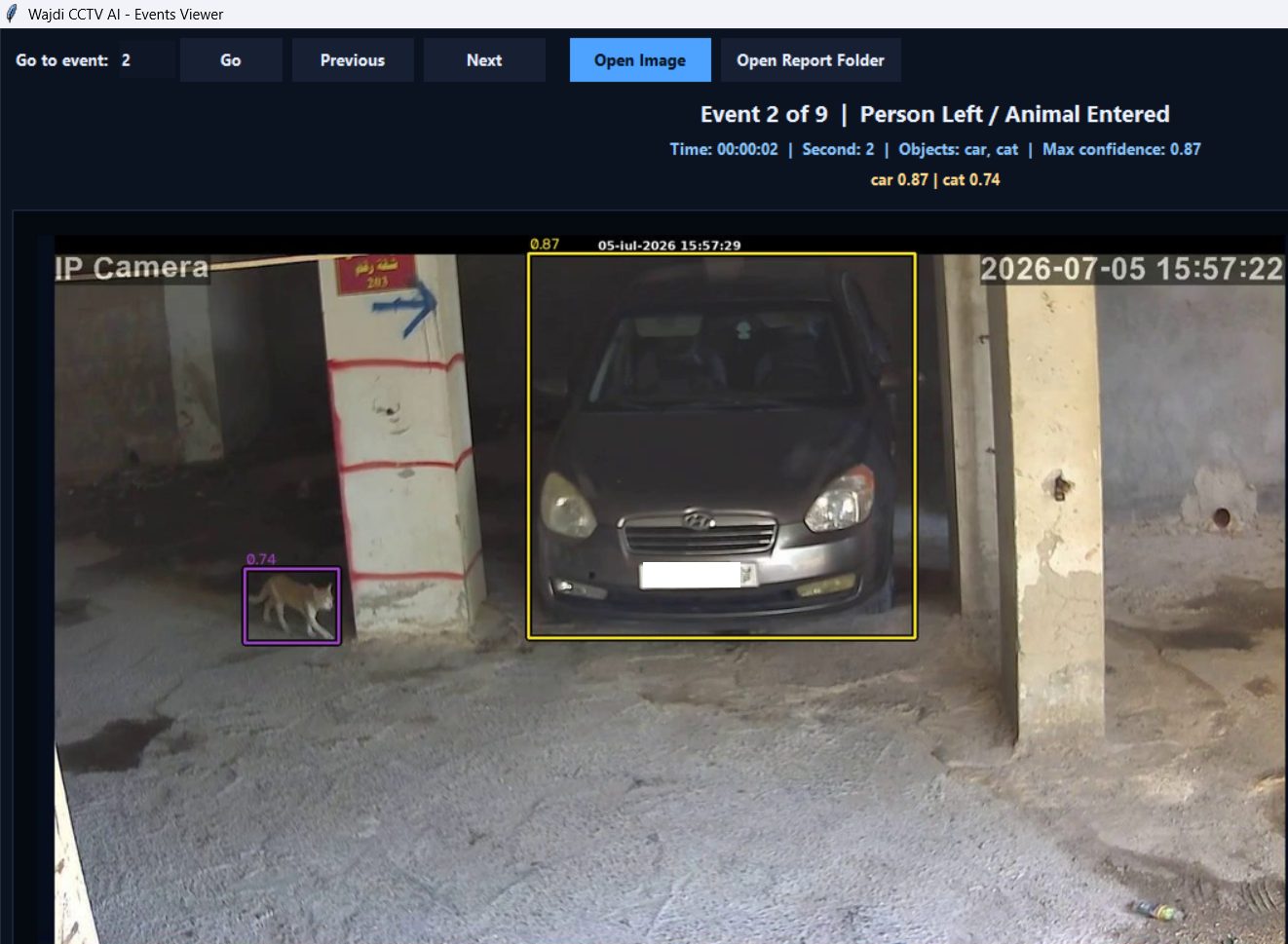
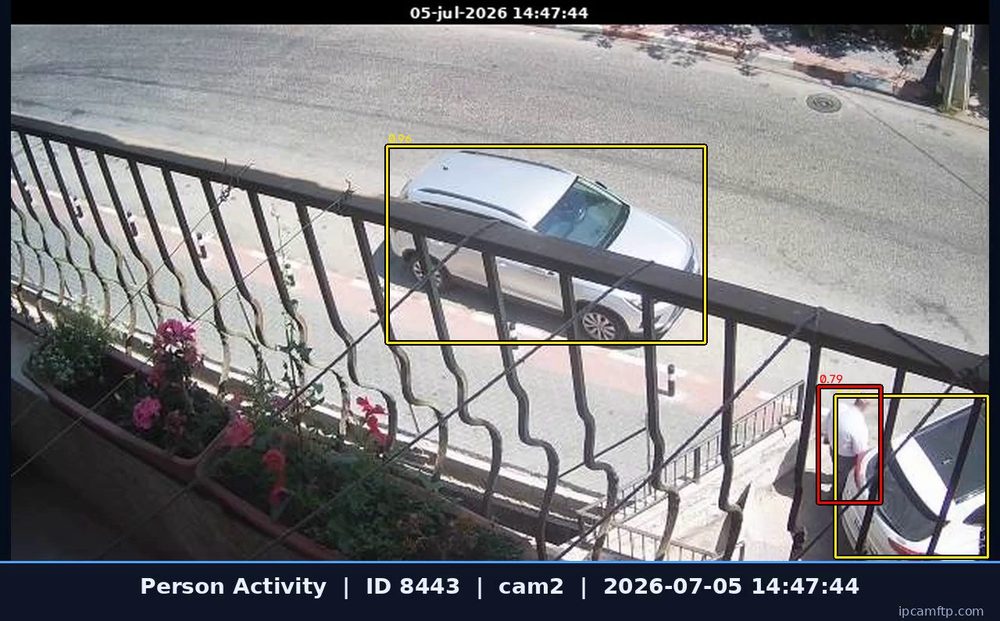
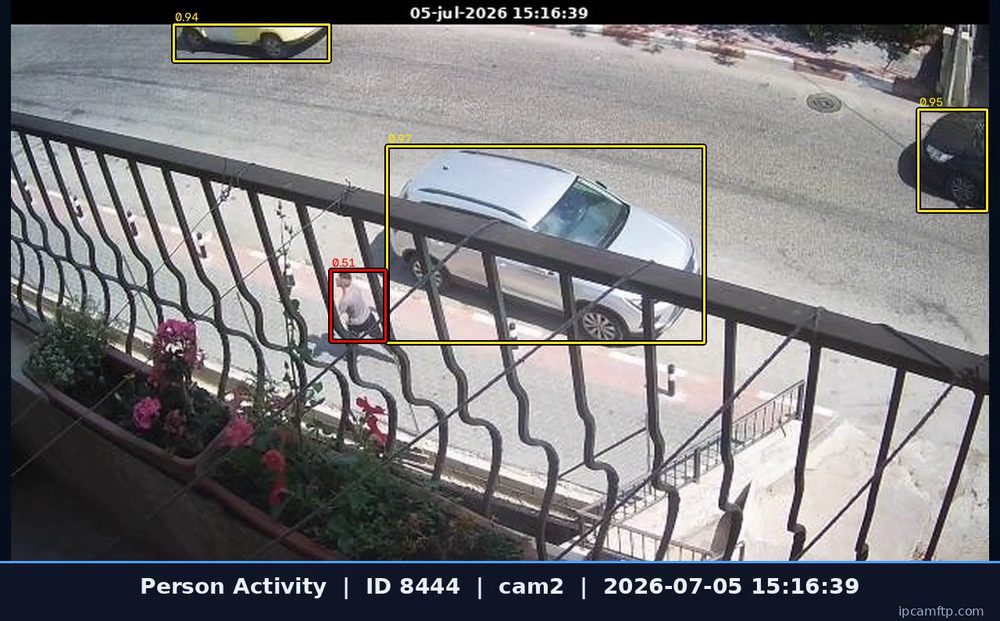
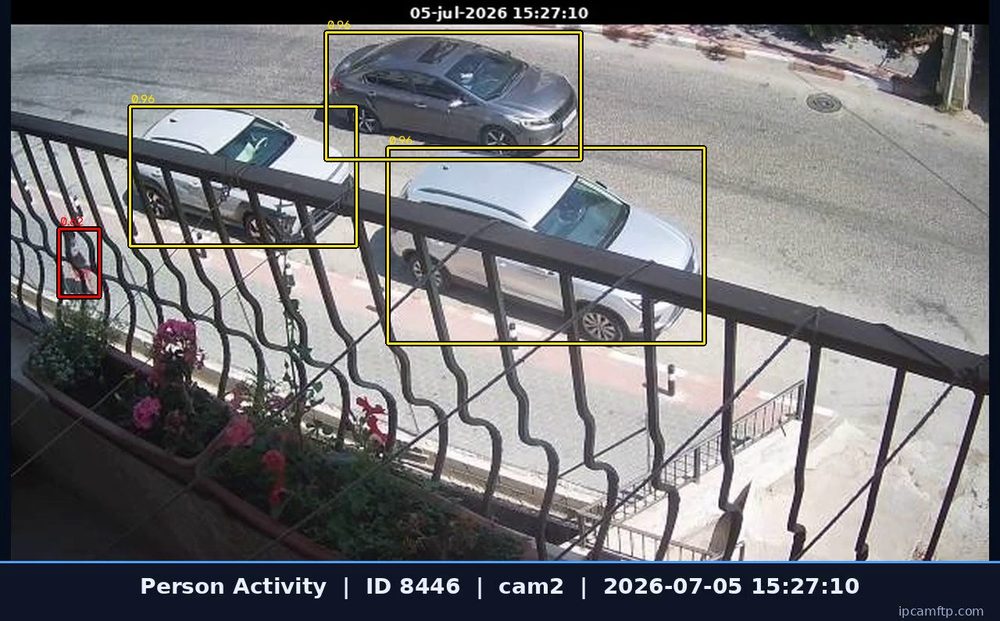
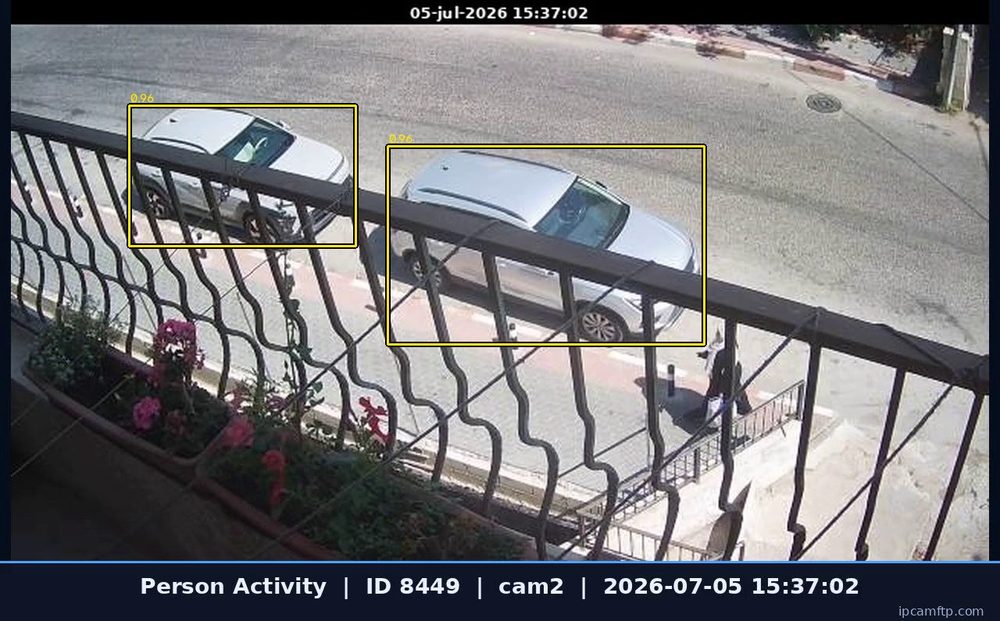
Sample event outputs
The program generates visual evidence and report files after analysis.
Complete User Guide
Watch the full video guide or open the PDF guide to learn how to activate Wajdi CCTV AI, install license.dat, place the encrypted AI model, analyze videos, review events, open reports and send feedback when needed.
Download Wajdi CCTV AI Evaluation
Download the edition you want to test. The evaluation version requires a valid license file to activate. Each license is generated for one computer only.
Standard Evaluation
Best for small review tasks. Queue up to 2 videos and analyze 1 video at a time.
Download Standard EvaluationBuy Standard LicenseProfessional Evaluation
Best for heavier work. Queue up to 5 videos and analyze up to 3 videos in parallel.
Download Professional EvaluationBuy Professional LicenseFrequently Asked Questions
Quick answers for evaluation users and customers.
Does Wajdi CCTV AI work offline?
Yes. It analyzes recorded CCTV videos locally on the customer computer without requiring cloud upload.
What is the difference between Standard and Professional?
Standard queues up to 2 videos and analyzes 1 video at a time. Professional queues up to 5 videos and can analyze up to 3 videos in parallel.
How do I activate the software?
Download the evaluation edition, open the program, copy your HWID, then purchase or request a license generated for your computer.
Do I receive AI model updates?
AI model improvements may be provided during the license period. New encrypted model files can be placed in the program model folder.
Can I move the license to another PC?
License transfer is not guaranteed. Reissue requests are reviewed by FXPRG case by case.
What if the analysis quality is not good?
The software can generate a feedback package. Send it to support so the AI model can be reviewed and improved in future updates.
Explore More Wajdi Software
Discover all professional software developed by FXPRG, including cybersecurity tools and offline AI video analysis solutions.
View All Products